
Attractions.io changelog
Deeplink to My Visit/Wallet tab
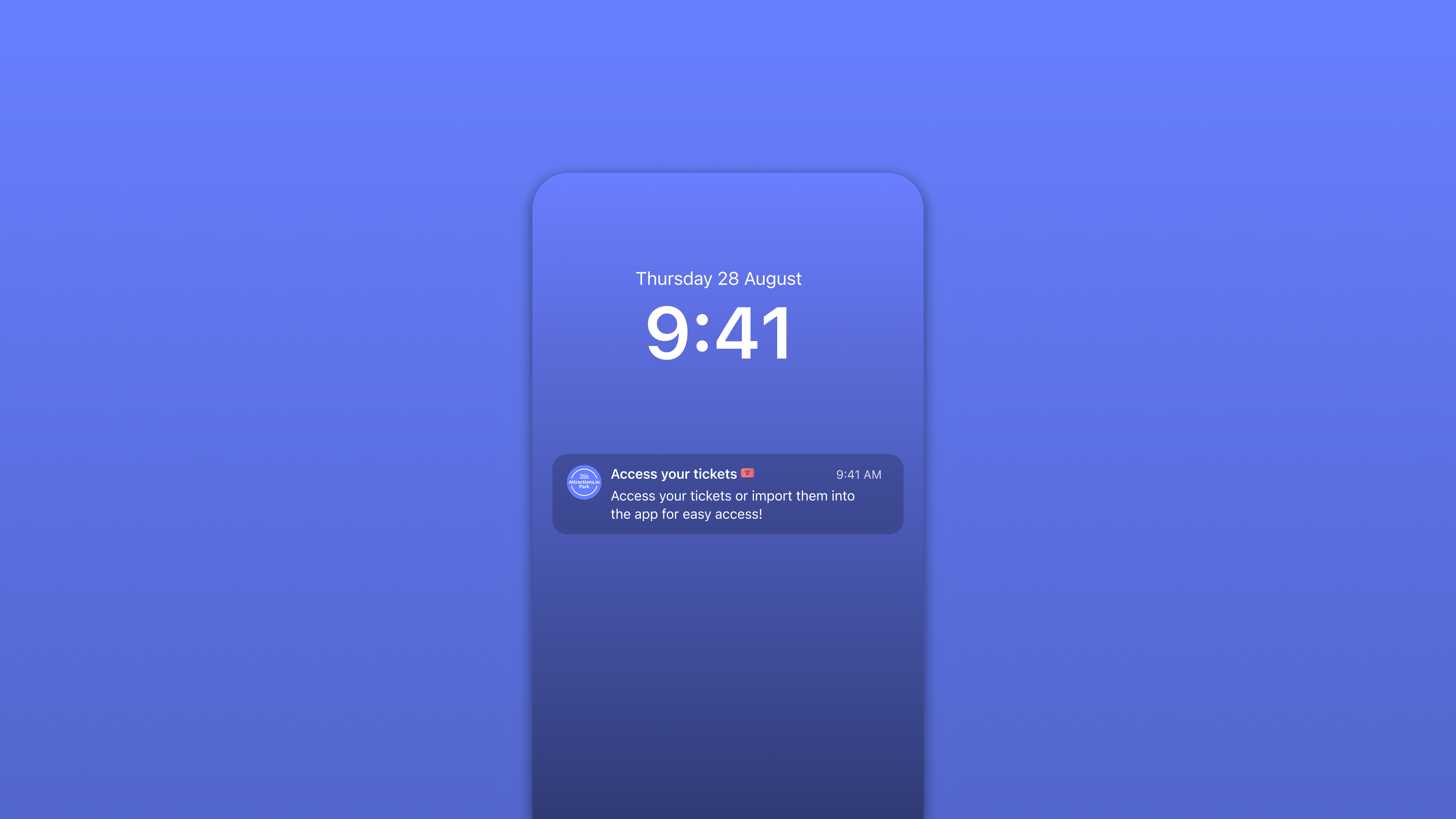
Deeplink to My Visit Wallet
Create direct links that open the My Visit Wallet tab so guests land on their planner, tickets, and visit essentials in one place. Use the same link across push, email, SMS, and web banners; it resolves to the Wallet tab in-app or on the web. Links honor sign-in state, support UTM tracking, and include clear fallbacks if the app is not installed.
This reduces taps and confusion, increasing engagement with time-sensitive items like entry passes and add-ons. Go to Settings → Navigation → Deeplinks to generate a My Visit Wallet link, or select Wallet as the destination in Connect when composing a campaign. You can choose behaviors such as opening the current visit, showing upcoming visits, or prompting sign-in, and optionally preselect a visit date. Available today on all plans.
Break Type Filters for Bookings (Butlin’s)
Filter bookings by break type so you can quickly separate Family breaks from BBW. Apply the filter in your bookings list, saved views, exports, and operational dashboards. Combine break type with dates, accommodation, and status to build clear queues for sales and guest services.
This gives teams a reliable way to plan capacity and target messages for each break without manual spreadsheets. Go to Bookings → Filters → Break type and select Family or BBW; save the view for reuse or export results to CSV. The filter is also available when building Connect audiences from booking criteria, and the API exposes a breakType field for consistency. Available today on all plans.
Guest Segmentation by Extras (Butlin’s)
Segment guests by purchased extras so you can message exactly who has or hasn’t added late checkout, dining, or other add-ons. The audience rule uses add-on data provided via the BASIL integration, with separate conditions for “has purchased” and “has not purchased.” You can stack extras with stay dates, length of stay, and booking status to build precise audiences.
This improves relevance and upsell performance while avoiding noise for guests who already bought the item. In Connect, open Audience → Add condition → Extras to target by specific add-ons, or use the Extras quick filter while composing a push. Segments update automatically as add-on status changes and respect marketing consent, with exports and reports reflecting extras-based performance. Available today on all plans.
Improvements
Feature: Turnkey operators can deeplink to the My Visit/Wallet tab to drive targeted campaigns and support flows
General: Published guidance on Texas Law SB 2420 with recommended configurations for consent and notices
Interface: Grouped media items into collections to speed browsing and selection when attaching assets
Fixes
Bug: Wallet now shows barcodes instead of QR codes at Djurs Sommerland, ensuring reliable gate scanning